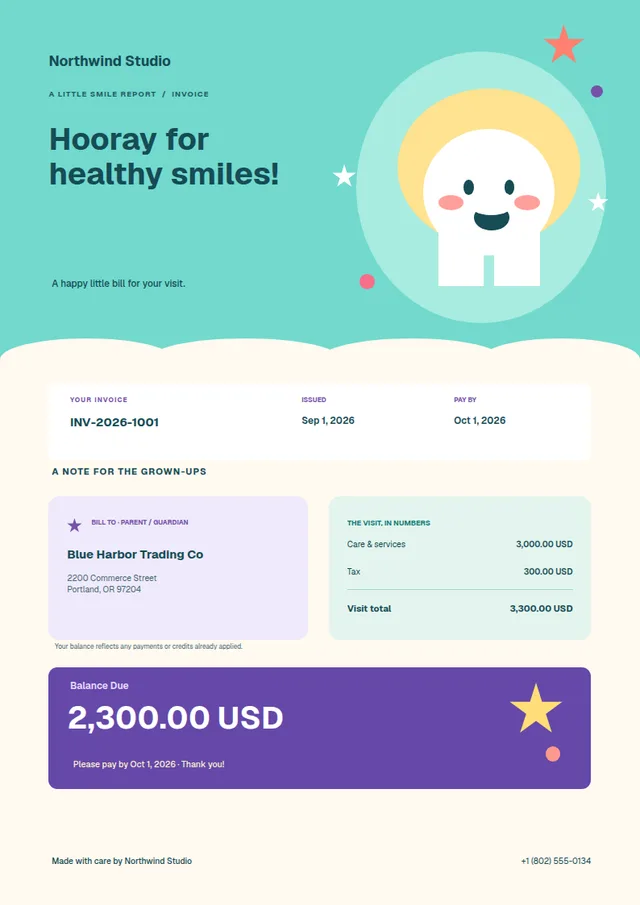
Little Smiles
01A little colour. A lot of personality. Friendly illustrations and pastel details make an everyday invoice feel anything but ordinary.
Your business. Your signature.
Your work has personality. Your invoices can too. Take a ready-made template and make it unmistakably yours with AccountFUN’s visual invoice designer.
Ready-made templates and your logo on every plan. Image elements and uploaded backgrounds on Standard and Plus.
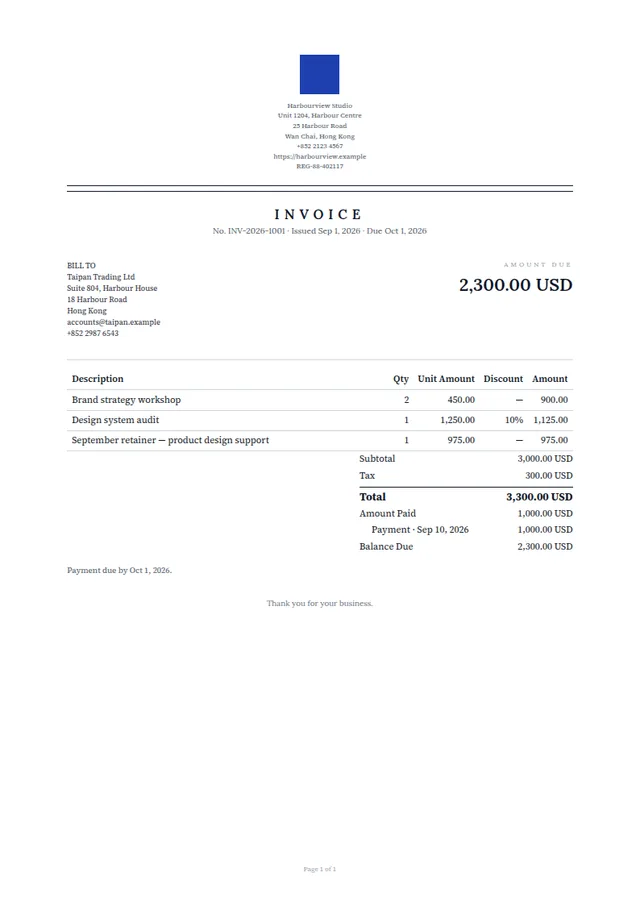
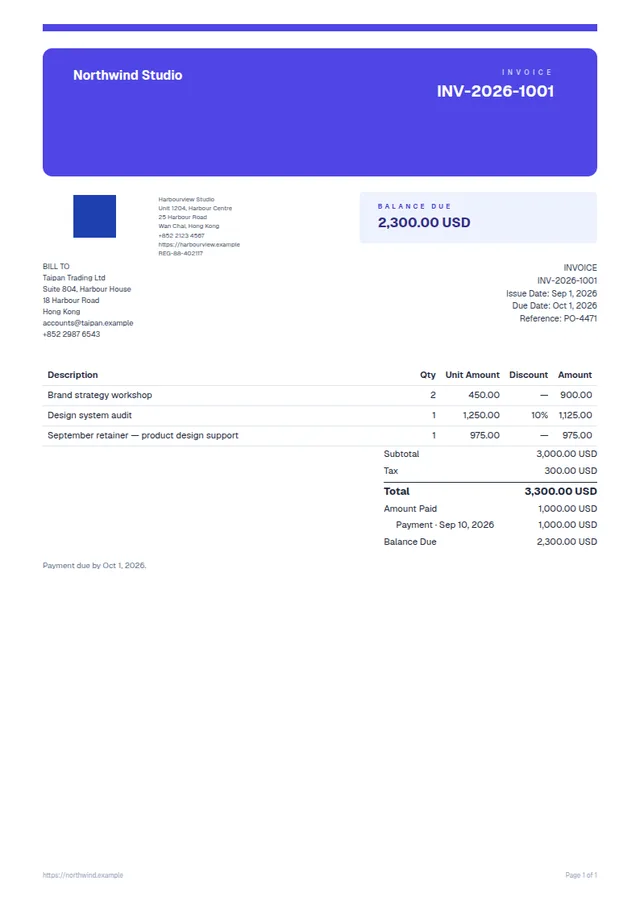 A little more you. Anything but ordinary.
A starting point. Not a limit.
Playful, polished, or somewhere in between. Start with a ready-made invoice template, then take it in your own direction. Explore a selection from our growing library below.
A little colour. A lot of personality. Friendly illustrations and pastel details make an everyday invoice feel anything but ordinary.
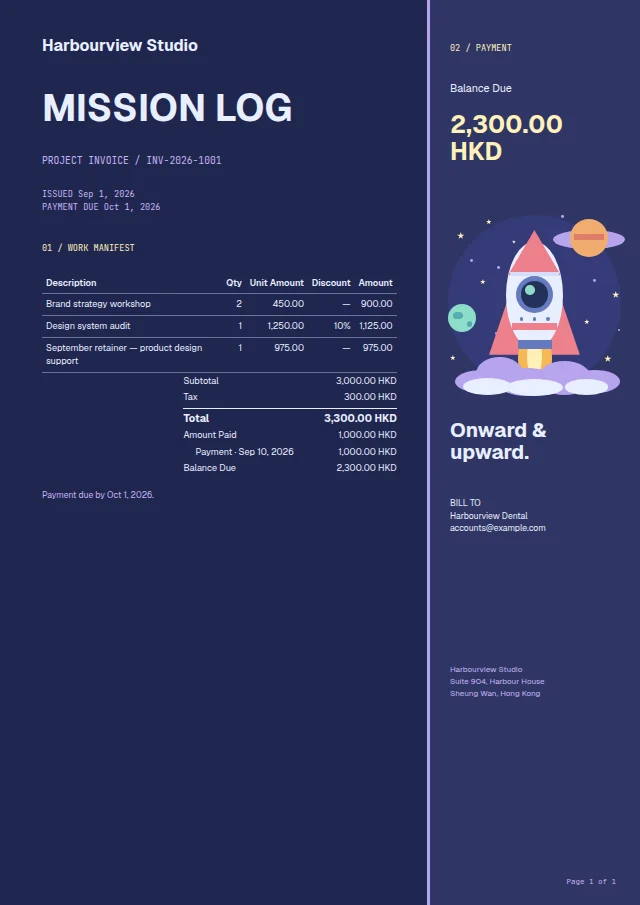
A midnight-blue mission log with a colourful rocket and a bold payment sidebar. Give your next project a send-off with a little adventure.
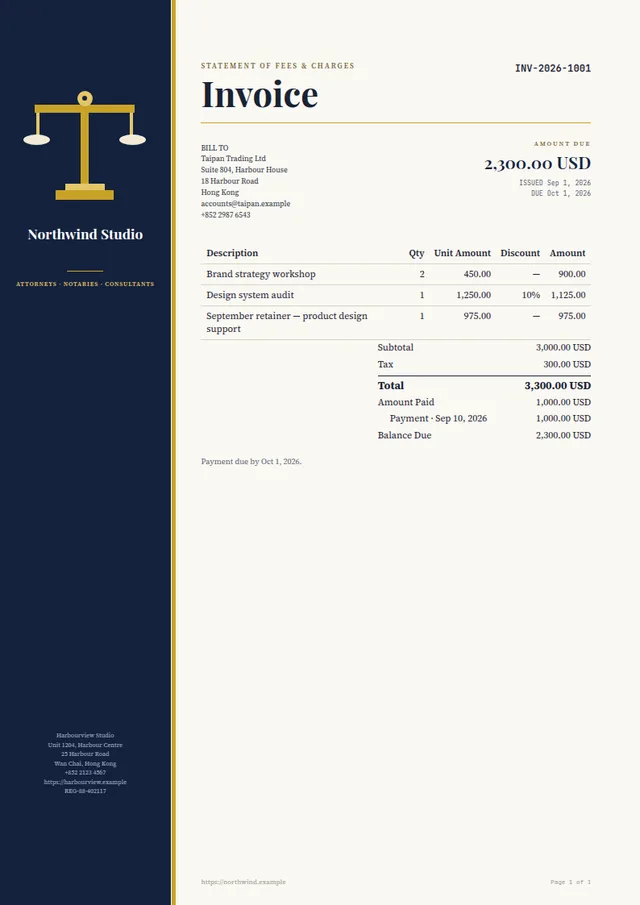
Deep navy, golden accents and elegant typography. A confident first impression for advisory firms and professional services.
Make your brand colour the headline. Strong contrast and clean details give creative studios a statement worth sending.
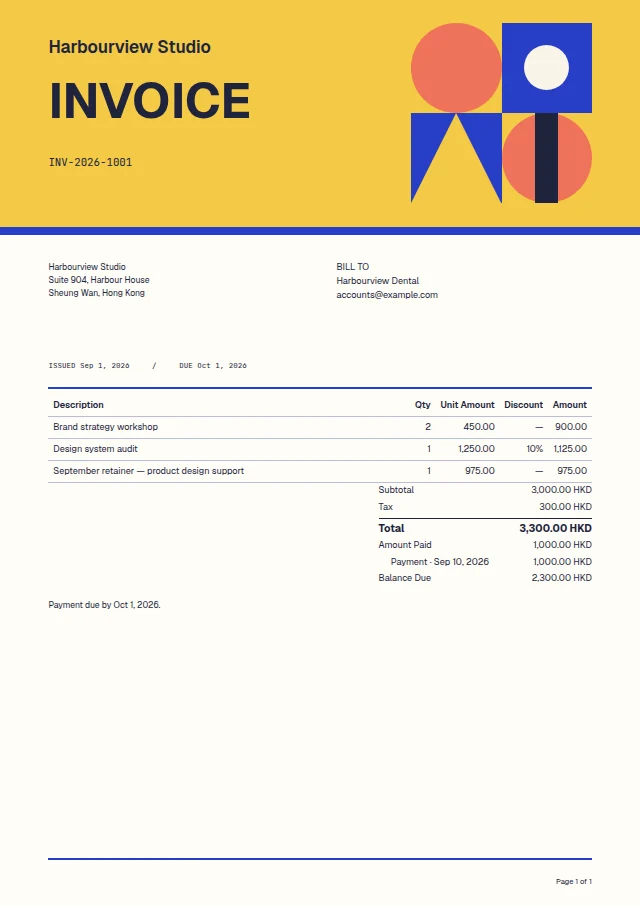
Golden yellow, cobalt and coral meet in a playful geometric composition. Bring a poster-like energy to your everyday paperwork.
Beautiful type, balanced spacing and a traditional letterhead. A quieter kind of confidence for an established brand.
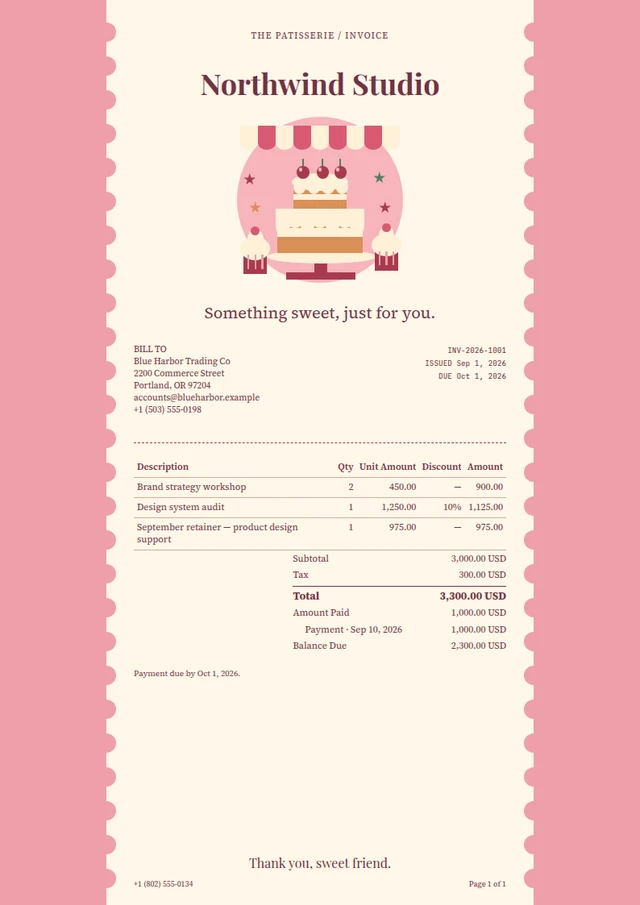
Scalloped edges, soft pinks and a charming illustration. Thoughtful little details for businesses with a personal touch.
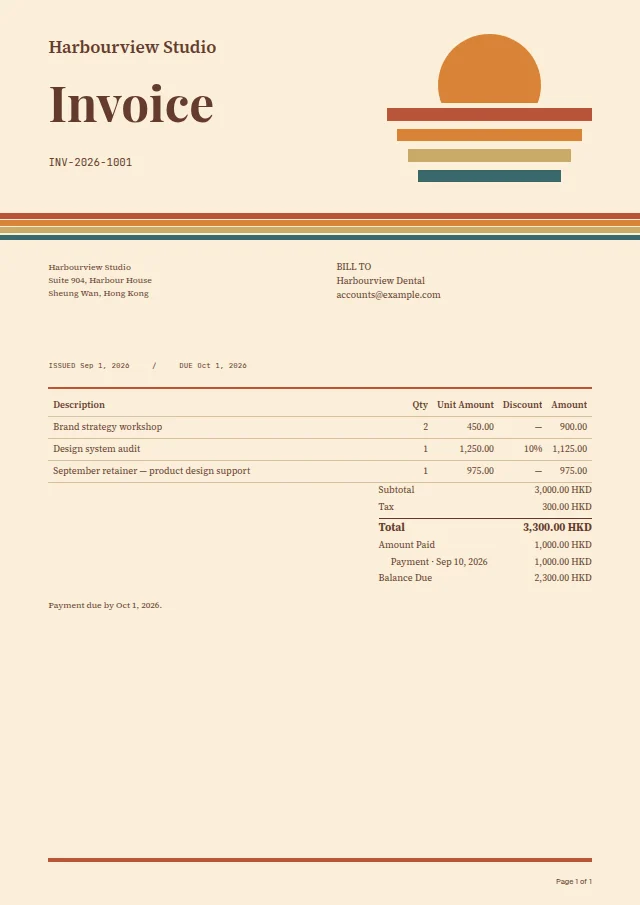
A striped sunrise, warm cream paper and terracotta-to-teal accents. A little vintage character for independent shops and makers.
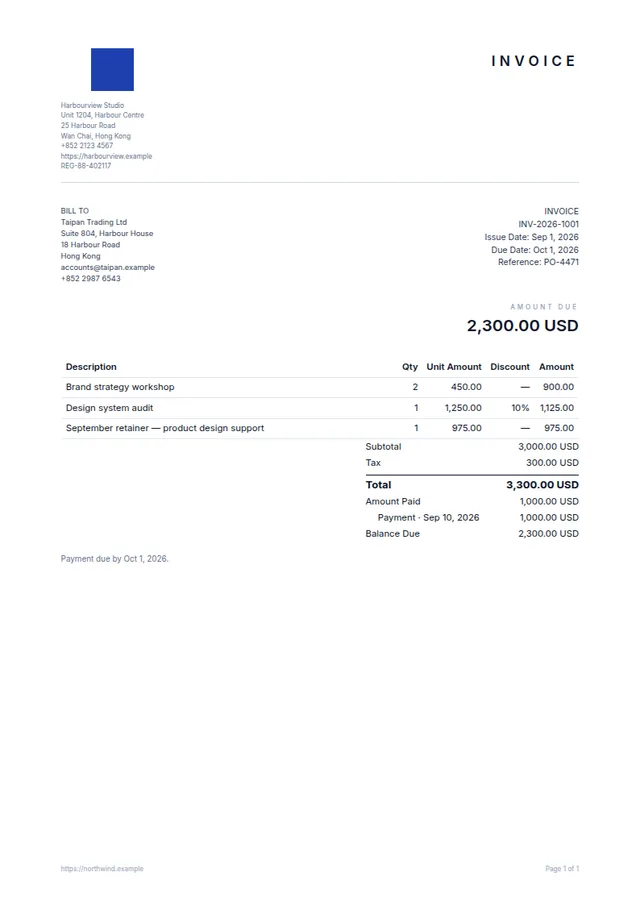
Room to breathe, fine rules and a restrained palette. Let the work speak for itself with a beautifully simple layout.
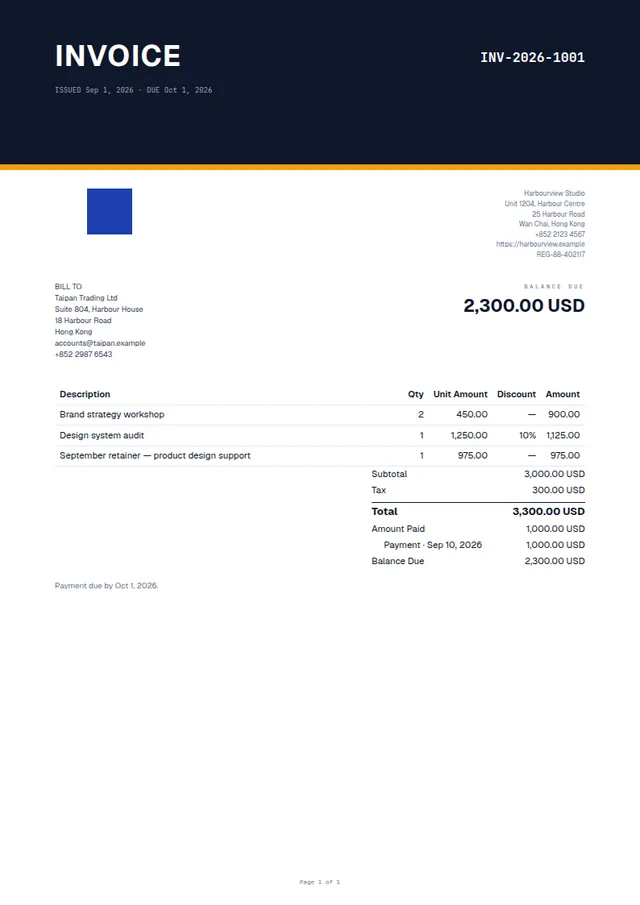
An oversized heading, a structured layout and a subtle accent. Crisp, modern paperwork for forward-looking teams.
Visual document design
From playful to polished. Watch a design come together, then try a different template on the canvas.
A short demonstration of the visual editor. Pick any of the four templates to explore its finished design.
Beyond the starting point
Keep the parts you love. Rethink the rest. There’s a whole world between adding a logo and creating something that feels like your business.
Explore the visual designerStart with a ready-made design or a blank page. Choose your paper size, orientation and margins, then arrange the layout your way.
Place your logo, change the typography, add colour, and bring in images and shapes. Move, resize and layer elements directly on the canvas.
Smart blocks fill in customer details, line items and totals. Preview short and long sample invoices, save your design, and choose it when printing or emailing.
A few useful details
Yes. Use a starter design as your starting point, then edit its text, colours, typography, images and layout. Duplicate a saved template whenever you want to explore another direction.
No. Smart blocks bring in the customer, invoice number, line items, totals and payment terms. Your template controls how the invoice looks; the underlying amounts, taxes and approval rules stay the same.
The visual editor currently designs invoices. Other document types use text templates for their wording. Read about document templates.
Creating or editing a design requires the Templates & Reminders permission, held by Admins and Accountants by default. Other users can select a finished template where their document permissions allow. Explore roles and permissions.
The visual document designer is included in both AccountFUN plans. Compare plans, or see how to create and send your first invoice.
Make the last impression a good one.
No credit card required.